
Release Date: Friday, April 1st 2022
This Connect release adds automation functionality to setting up the first market, as well as a new dashboard. It also corrects bugs related to Type B products and login issues for non-producer users.
New Features
Automating First Market Setup
With this release, Connect will automatically set up a new users account (assigning harvest days, importing products) if the producer user is only associated with a single producer in a single LFM market.
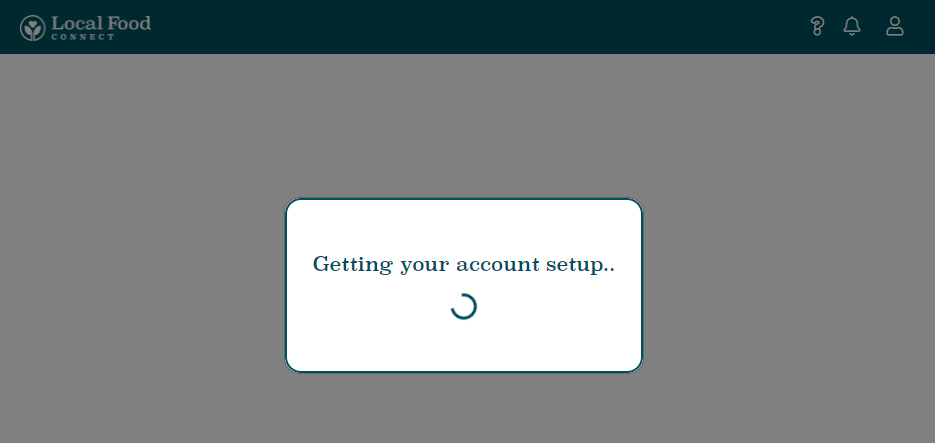
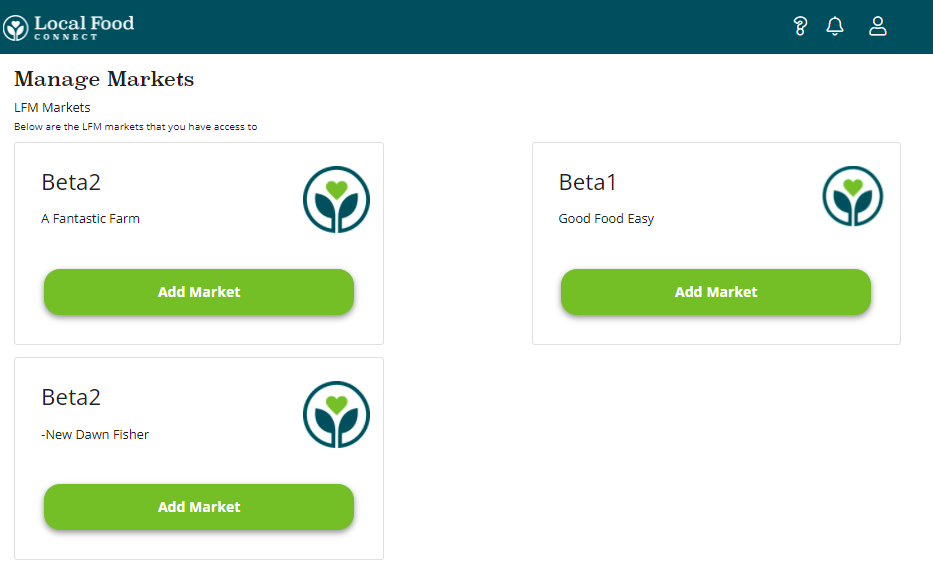
If the producer is associated with multiple markets, or multiple producers in a single market, the new user can select the first market they'd like to setup, and Connect will automatically assign harvest days and import products from that selected producer.
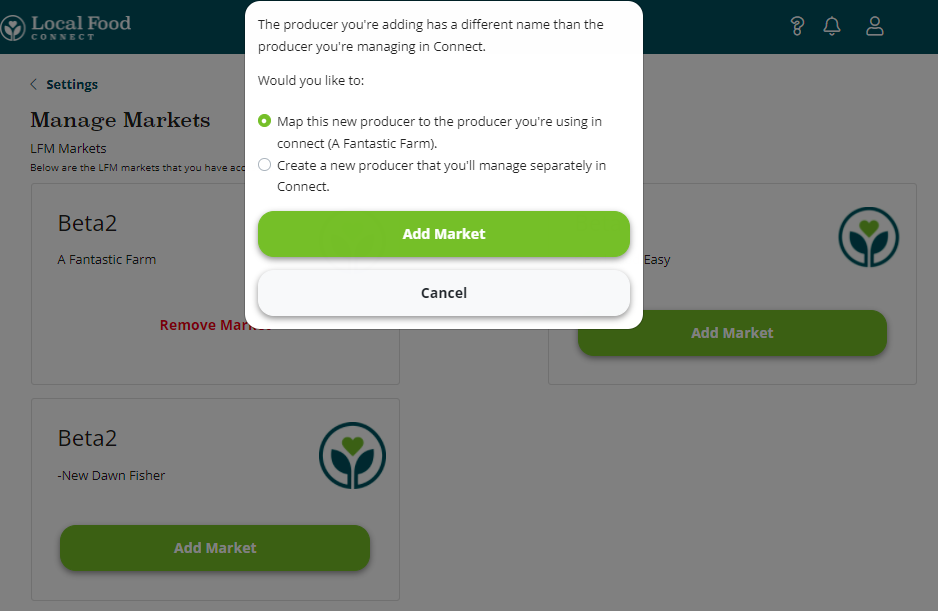
Mapping Producers With Different Producer Name to Same Connect Account
This release allows Connect Users to map differently named producers in different sites to a single Connect producer profile. When adding a market in a different site with a different name, Connect will now prompt the user to choose whether to map this new market to the existing Connect profile (allowing users to manage availabiltiy for two sites from one account) or to setup the new market as a separate Connect producer.
New Dashboard View
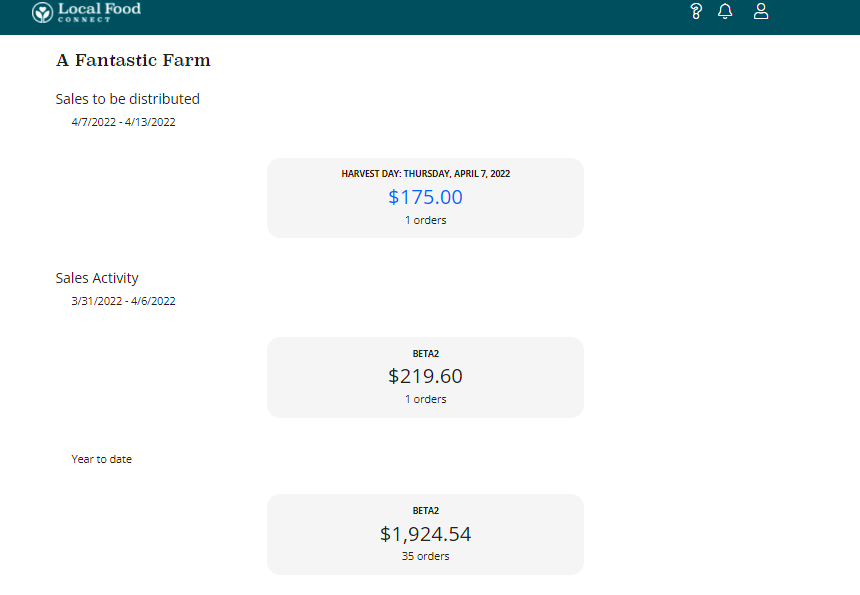
This release updates the Dashboard view in Local Food Connect, adding the ability to view sales by Harvest day (which are now automatically setup as the aggregation day(s) of the LFM markets you sell in), as well as Sales in the last week from the markets you're selling in, and year to date sales in those markets.
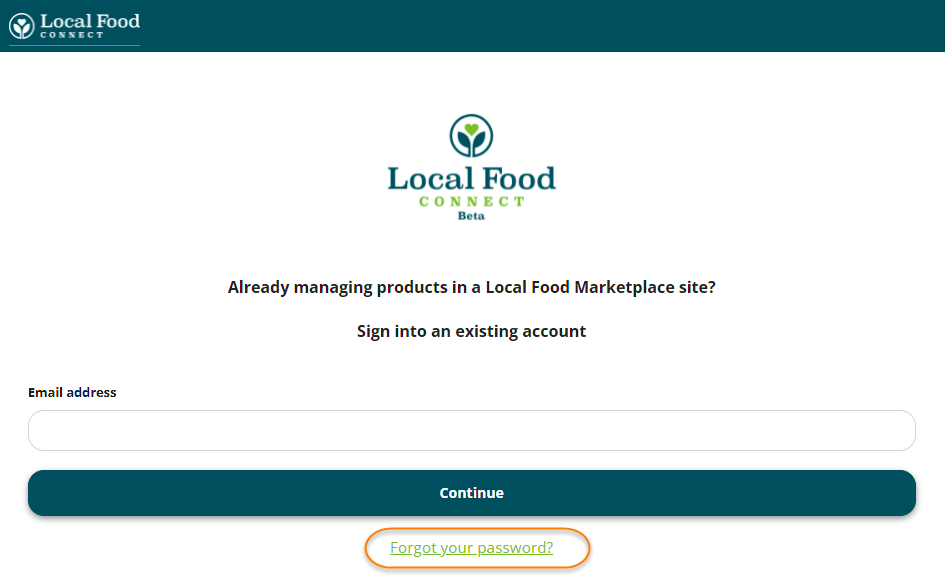
Reset Password Functionality
Connect users can now re-set their LFM producer user password from the Connect Login page.
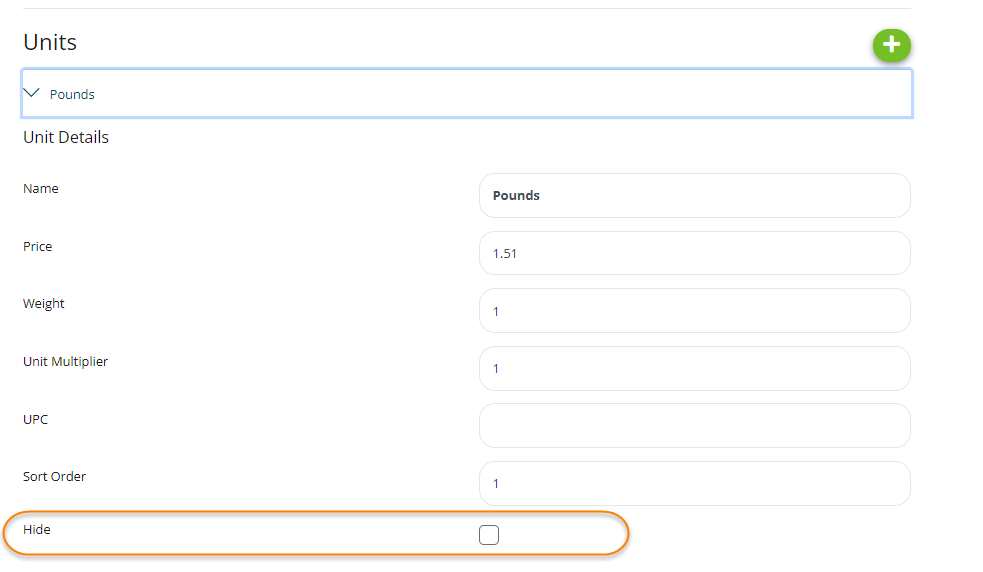
Hiding Selling Units
This release adds the ability for Connect users to hide their selling units in a specific market. Users can navigate to the "Unit Information" section of the market's product, and the selected unit.
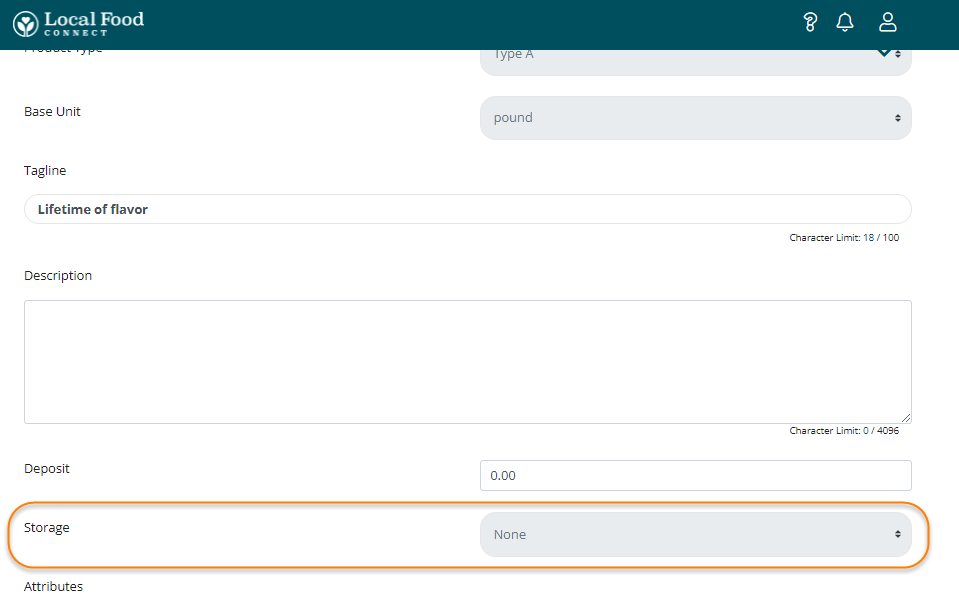
Displaying Storage Designation on Products
With this release, the storage designation on products in LFM markets is displayed in the Product Information section of the market's product. Users setting up a new product in Connect can designate a storage option when creating the new product.
Updates
Removing Market Deletes Products in Connect
With this release, removing a market in which there's only a single Connect user will remove the products in that Connect account - users can always re-import Connect products if necessary, but we recommend not removing markets unless you're not going to be selling through those markets any longer.
Prompting User to Review Base Unit After Adding Product to New Market
This release adds a reminder modal for Connect users to review the base unit of a product that they add to another LFM market. Connect defaults to assigning the product in the new market to the first base unit in the new market's list - but it's likely that this base unit will need to be updated.
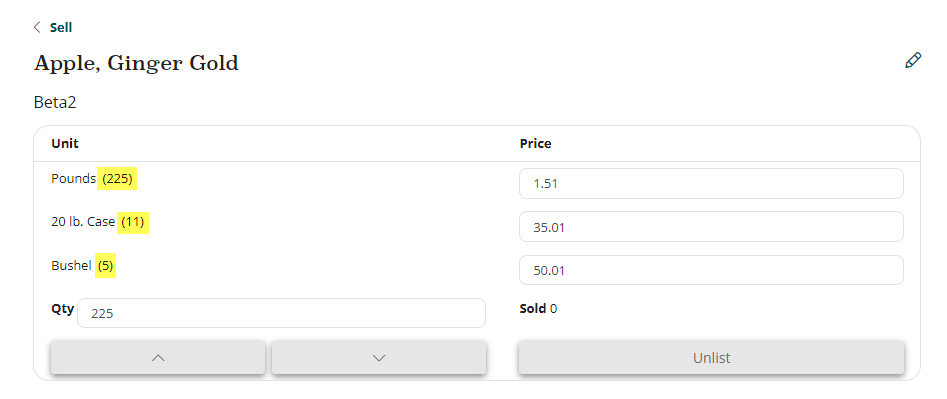
Type A Base Unit Availability
This release adds the availability of specific Type A selling units in the Product view of the Sell page.
Bug Fixes
Type B1 and B2 Unit Weight Bug
This release corrects a bug that was adding a unit weight of 0 for Type B1 and B2 products when they were added to Connect - this has been corrected.
Mapping Connect Product To Existing Product In Market Doesn't Copy Units Over
This corrects a bug that wasn't copying over existing product units of a Connect product that got mapped to an existing product in another market.
Non-Producer User Able to Login
This release corrects a bug that was allowing non-producer Users to login to Connect. Since these users aren't associated with a specific producer, they were unable to go any further.
Comments
0 comments
Please sign in to leave a comment.