
The Pack page provides information about the selling units you need to pack for each order received for a given harvest day. Start by choosing your harvest day at the top of the page. 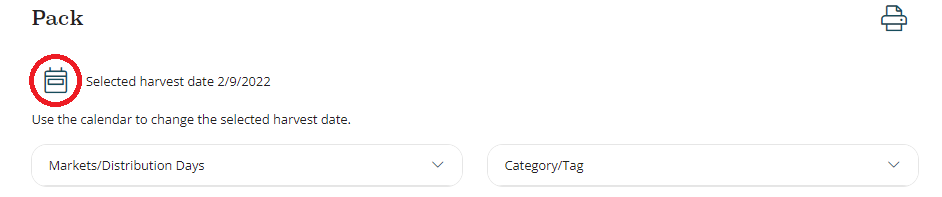
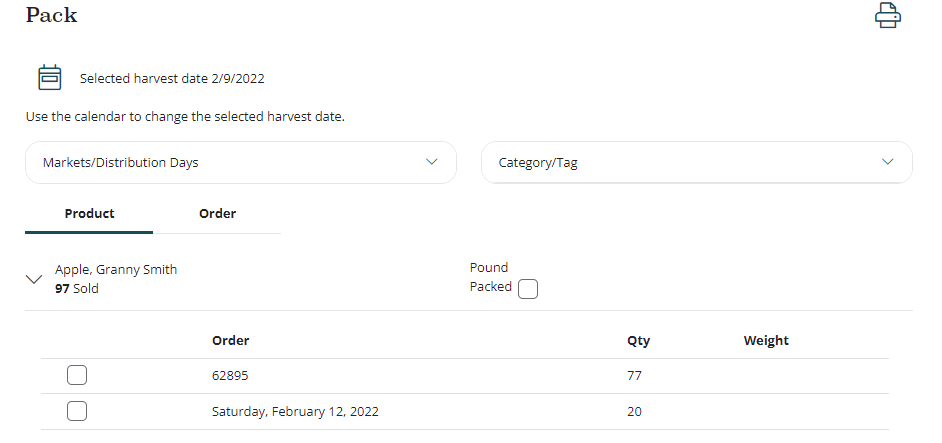
Once you've chosen the harvest day, all sales units on orders for that day will appear below. You can filter the sales units by Markets/Distribution Day and by Category/Tag. You can view the sales units to be packed grouped by Product or by Order. If you group by product, each sales unit will be listed along with the total number of that sales unit needed for that harvest day. Clicking the down arrow by the sales unit name reveals each order for that sales unit. You can mark each sales unit total or each order of a sales unit as packed by checking the box.
If you choose to group by order, you will see each order listed under its market. You can check the box by the order to mark it packed, or you can click the right arrow > to reveal each sales unit on the order and mark each unit as packed one by one.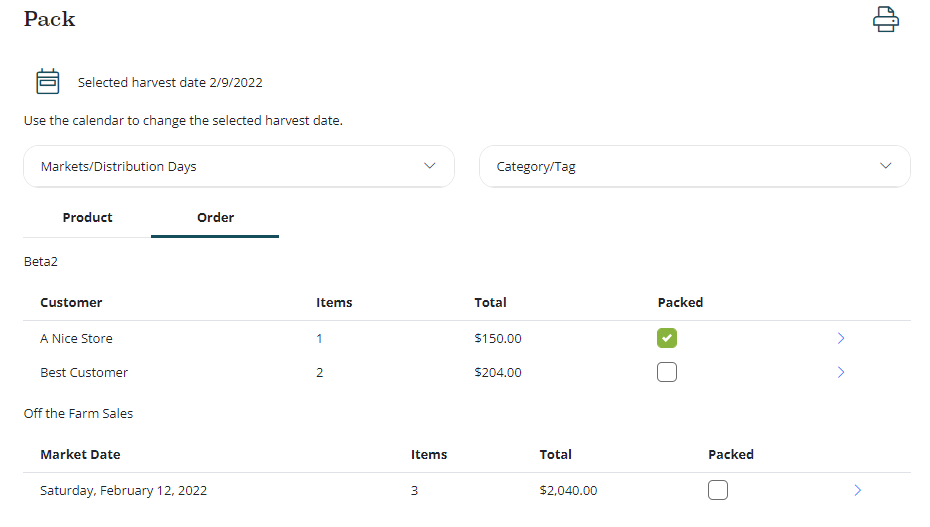
At the top right of the page is a printer icon which allows you to print a packing report, a customer report or the large and small packing labels familiar to Local Food Marketplace users.
Example of a Packing Report:
Example of a Customer Report:
Comments
0 comments
Please sign in to leave a comment.