
What is Local Food Connect?
Local Food Connect is the new Producer interface for Local Food Marketplace sites. Connect allows you to manage product availability, generate labels and reports, and track sales in a streamlined and updated interface.
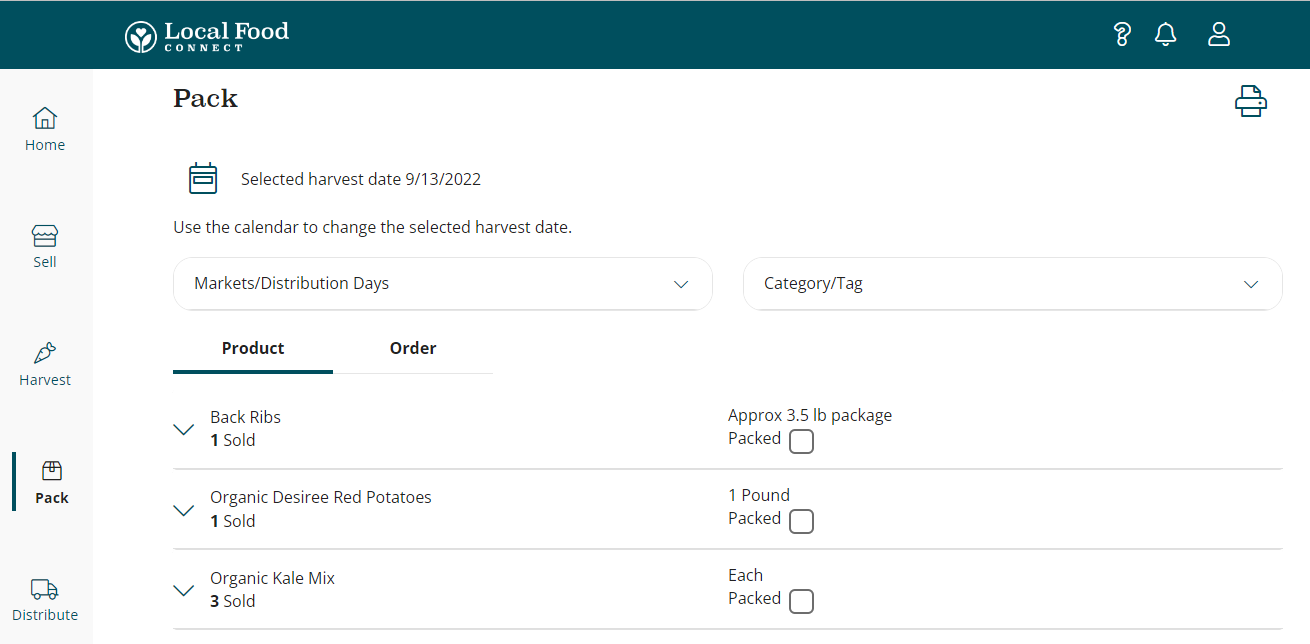
If you're selling products in more than one LFM market, you can manage the product availability for each market from the same Connect account.
For existing producers who have been using the Legacy admin to manage their products:
You will continue to use the same email and password to log in and manager your LFM products. You can access Local Food Connect directly by going to this new URL: app.localfoodconnect.com.
If you go to the old URL for your market's login, you will now see multiple login options.
In the upper left-hand corner will be a link to the Local Food Connect login. Use this link to reach Local Food Connect.
You will still be able to access the Legacy producer profile by entering your email and password into the "Market Manager Login (Legacy Producer)" window on the right-hand side. However, we do recommend using Local Food Connect over the Legacy producer profile as Connect is where new features and updates will be added.
For new producers who have not used the Legacy admin:
When your LFM market adds you as a producer and gives you a user account, you will receive an email invite for you to setup your account and choose a password. Click on the link in the invite email to complete this process. You will then access the Local Food Connect interface by going to the following URL: app.localfoodconnect.com
How does Connect change what existing users do?
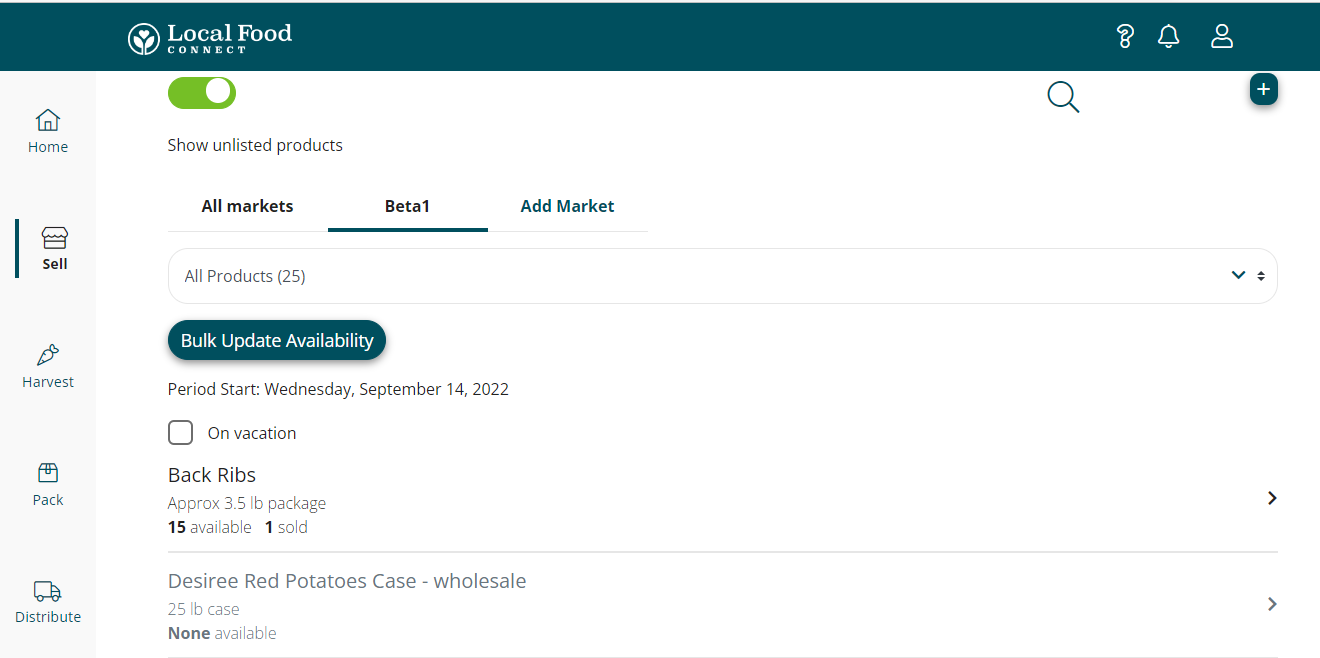
Connect provides all of the same functionality you're used to in the legacy producer profile, just in a cleaner, more user friendly interface. You'll manage products and product availability in the Sell Page:
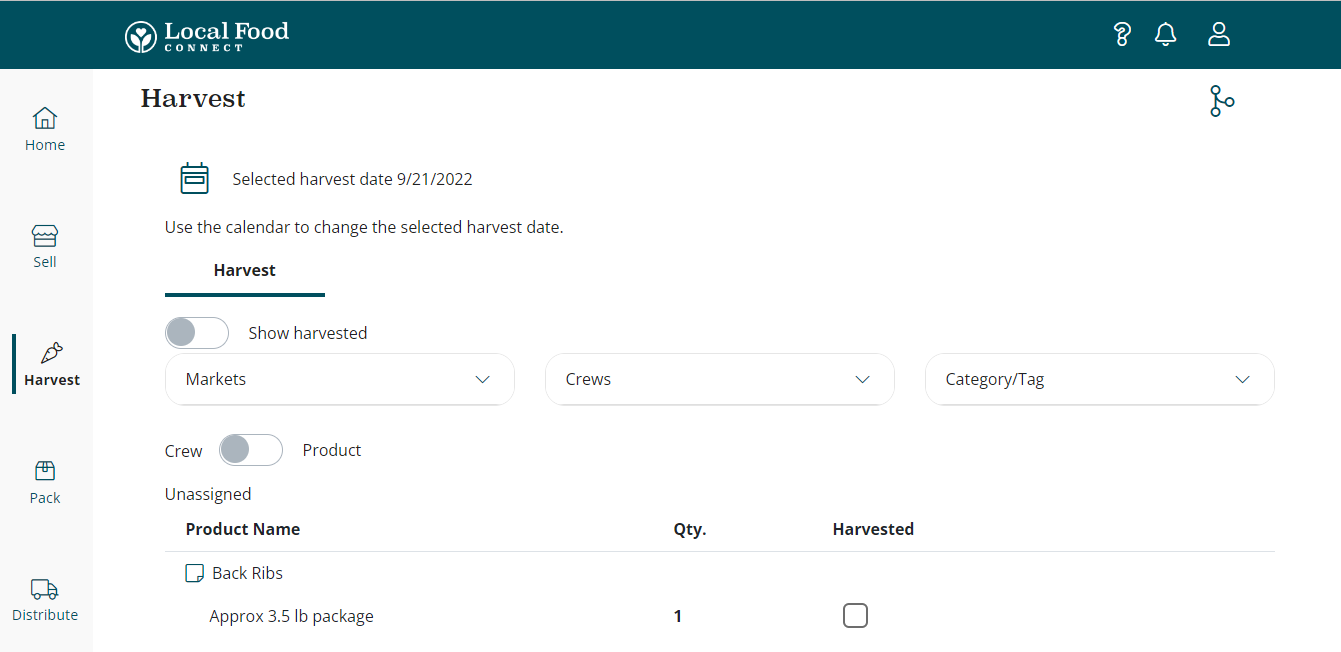
Generate harvest lists in the Harvest page:
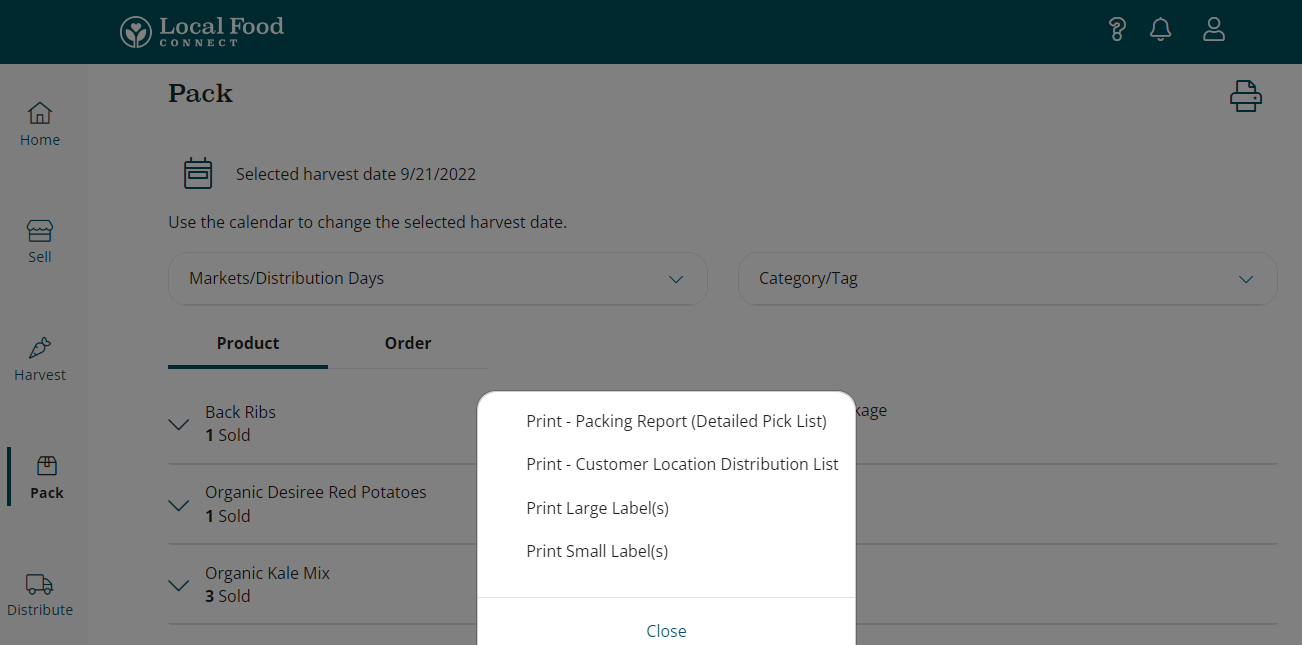
And generate packing lists and labels in the Pack page:
How do I get help if I have problems?
If you're having issues getting your Connect account set up, the first place to look for help is the Connect support materials available in our Local Food Connect Guide.
If you're not finding the answer to your issue in the support materials, contact the Market Manager of your Local Food Marketplace site.
If you're still unable to figure out the issue, please contact support@localfoodmarketplace.com for further assistance.
Comments
0 comments
Please sign in to leave a comment.